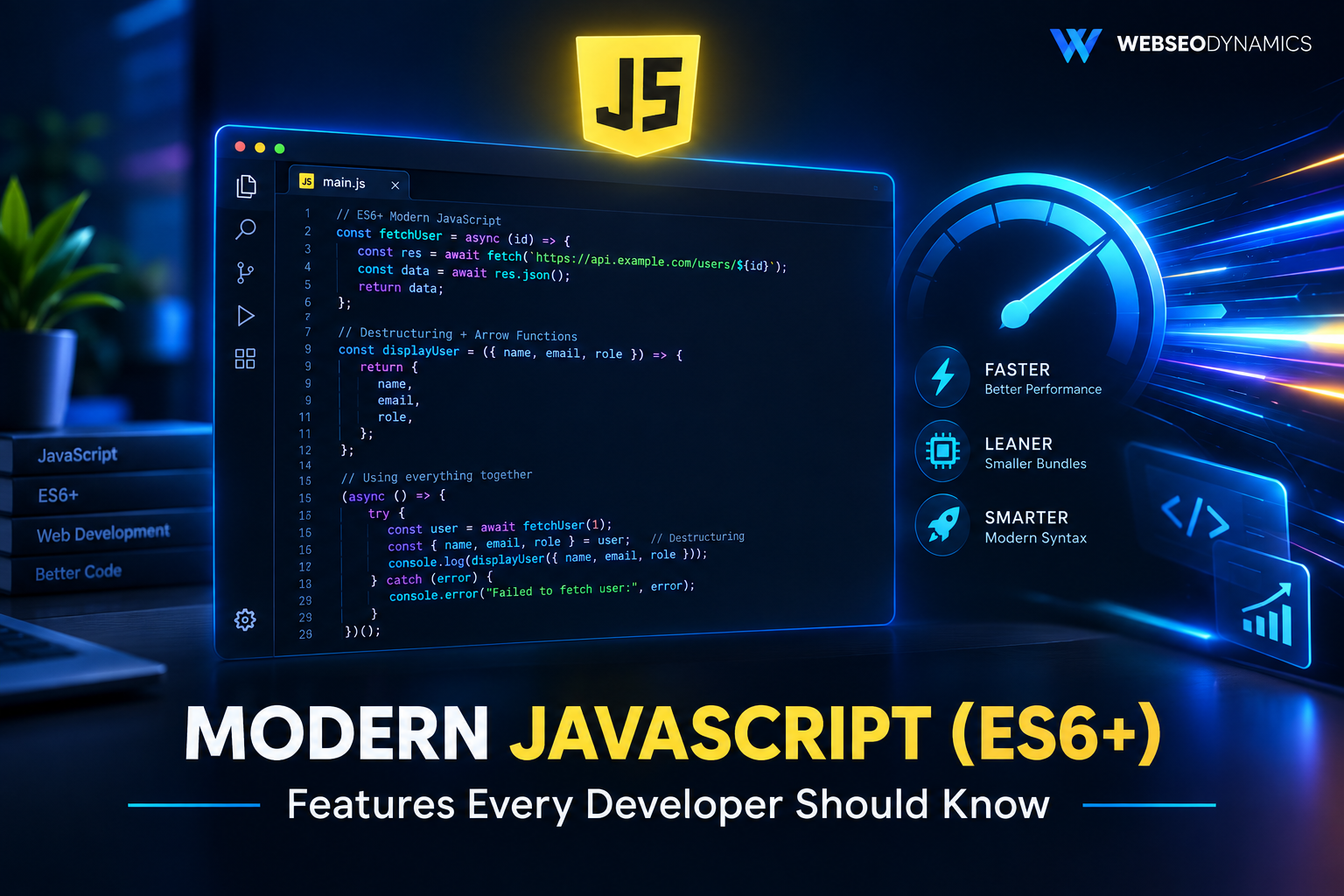
Introduction to Modern JavaScript (ES6+): Features Every Developer Should Know
JavaScript in 2026 barely resembles the language many developers first learned a decade ago. Code that once relied on callback pyramids, verbose function declarations, and awkward string concatenation has been replaced by a cleaner, more expressive syntax introduced across a series of yearly specification updates, starting with ECMAScript 2015 — commonly known as ES6.
"ES6+" has become shorthand for this entire modern era of JavaScript: the features introduced from ES2015 onward that are now standard in virtually every browser and Node.js environment. If you're maintaining older code, learning JavaScript for the first time, or just haven't kept up with the language in a few years, these features aren't optional extras — they're the baseline expectation in professional codebases, frameworks like React and Vue, and technical interviews.
This guide walks through the ES6+ features that matter most in day-to-day development, with practical code examples showing not just what changed, but why it's an improvement over the older way of doing things.
1. let and const vs. var
Before ES6, `var` was the only way to declare a variable, and it came with a well-known problem: `var` is function-scoped, not block-scoped. This meant a variable declared inside an `if` block or a `for` loop leaked out into the surrounding function, often causing bugs that were hard to trace.
ES6 introduced `let` and `const`, both of which are block-scoped — confined to whichever `{}` block they're declared in. `const` additionally prevents reassignment after the initial declaration, which doesn't make the value immutable (an object declared with `const` can still have its properties changed) but does prevent the variable itself from being pointed at something else entirely.
// The old problem with var
for (var i = 0; i < 3; i++) {
  setTimeout(() => console.log(i), 100);
}
// Logs: 3, 3, 3 — not what most people expect

// Fixed with let
for (let i = 0; i < 3; i++) {
  setTimeout(() => console.log(i), 100);
}
// Logs: 0, 1, 2 — each iteration gets its own binding
The modern convention: default to `const` for anything that won't be reassigned, and reach for `let` only when a variable genuinely needs to change later (a loop counter, an accumulator, a value reassigned based on conditions). Avoid `var` in new code entirely.
2. Arrow Functions
Arrow functions offer a shorter syntax for writing functions, but their real value goes beyond brevity: they don't bind their own `this`. Instead, `this` inside an arrow function refers to `this` in the surrounding scope where the arrow function was defined — which eliminates an entire category of bugs that plagued pre-ES6 JavaScript, especially inside callbacks and event handlers.
// Traditional function
function double(x) {
  return x * 2;
}

// Arrow function equivalent
const double = (x) => x * 2;

// Common pre-ES6 'this' problem
function Timer() {
  this.seconds = 0;
  setInterval(function () {
    this.seconds++; // 'this' is wrong here
  }, 1000);
}

// Fixed with an arrow function
function Timer() {
  this.seconds = 0;
  setInterval(() => {
    this.seconds++; // 'this' correctly refers to the Timer instance
  }, 1000);
}
Arrow functions aren't a universal replacement for regular functions, though. Because they don't have their own `this`, they're a poor fit for object methods that need to reference the object itself, and they can't be used as constructors. The practical rule: use arrow functions for callbacks and short, non-method functions; use regular function syntax (or class methods) when `this` needs to refer to the calling object.
3. Template Literals
Template literals, written with backticks instead of quotes, replace the old pattern of string concatenation with `+` signs. They support embedded expressions via `${}` syntax and native multi-line strings, both of which were clumsy or impossible with regular strings.
const name = "Priya";
const orders = 4;

// Old way
var message = "Hello " + name + ", you have " + orders + " orders.";

// Template literal
const message = `Hello ${name}, you have ${orders} orders.`;

// Multi-line strings, no escape characters needed
const html = `
  <div>
    <h1>${name}</h1>
  </div>
`;
Beyond readability, template literals also support "tagged templates" — a more advanced pattern where a function processes the literal's parts before interpolation, used in libraries for things like safely escaping SQL queries or styling CSS-in-JS.
4. Destructuring Assignment
Destructuring lets you unpack values from arrays or properties from objects into distinct variables in a single line, instead of accessing each one individually. It's one of the most visible syntax changes in modern JavaScript codebases and shows up constantly in function parameters, especially in frameworks like React.
// Object destructuring
const user = { name: "Arjun", age: 29, city: "Nagpur" };
const { name, city } = user;

// Array destructuring
const coordinates = [18.5, 73.8];
const [latitude, longitude] = coordinates;

// Destructuring directly in function parameters
function renderProfile({ name, age }) {
  return `${name} is ${age} years old.`;
}

// Renaming while destructuring
const { name: userName } = user;
Destructuring pairs especially well with default values, letting you handle missing properties gracefully without extra conditional checks: `const { theme = "light" } = settings;` falls back to `"light"` if `settings.theme` is undefined.
5. Spread and Rest Operators
Both spread and rest use the same `...` syntax but serve opposite purposes. Spread expands an array or object into individual elements; rest collects multiple elements back into a single array. Which one you're looking at depends on context — the left or right side of an assignment, or inside a function's parameter list.
// Spread: copying and merging arrays/objects
const base = [1, 2, 3];
const extended = [...base, 4, 5]; // [1, 2, 3, 4, 5]

const defaults = { theme: "light", notifications: true };
const userSettings = { ...defaults, theme: "dark" };
// { theme: "dark", notifications: true }

// Rest: gathering remaining arguments
function sum(...numbers) {
  return numbers.reduce((total, n) => total + n, 0);
}
sum(1, 2, 3, 4); // 10

// Rest in destructuring
const { theme, ...otherSettings } = userSettings;
Spread is also the standard, immutable way to update state in frameworks like React — rather than mutating an existing array or object directly, you spread it into a new one with the changed values, which plays well with change-detection systems that compare object references.
6. Default Parameters
Before ES6, giving a function parameter a fallback value meant checking for `undefined` manually inside the function body. Default parameters let you declare that fallback directly in the function signature.
// Old way
function greet(name) {
  name = name || "Guest";
  return "Hello, " + name;
}

// ES6 default parameters
function greet(name = "Guest") {
  return `Hello, ${name}`;
}

greet();          // "Hello, Guest"
greet("Rahul");   // "Hello, Rahul"
One subtlety worth knowing: default parameters only kick in when an argument is `undefined`, not when it's `null`, `0`, or an empty string — a distinction that matters when a caller explicitly passes a falsy value on purpose.
7. Classes
JavaScript has always had object-oriented capabilities through prototypes, but the syntax for setting up inheritance chains manually was verbose and unintuitive for developers coming from other languages. ES6 classes are largely syntactic sugar over the existing prototype system, but they make object-oriented patterns dramatically more readable.
class Vehicle {
  constructor(make, model) {
    this.make = make;
    this.model = model;
  }

  describe() {
    return `${this.make} ${this.model}`;
  }
}

class ElectricCar extends Vehicle {
  constructor(make, model, batteryRange) {
    super(make, model);
    this.batteryRange = batteryRange;
  }

  describe() {
    return `${super.describe()} — ${this.batteryRange} km range`;
  }
}

const car = new ElectricCar("Tata", "Nexon EV", 465);
console.log(car.describe());
// "Tata Nexon EV — 465 km range"
Classes support inheritance (`extends`), calling a parent constructor or method (`super`), and — as of more recent specifications — private fields prefixed with `#`, giving JavaScript classes true encapsulation that wasn't possible in the earlier prototype-only approach.
8. ES Modules
Before ES6, JavaScript had no built-in module system. Developers relied on workarounds — global variables, the revealing module pattern, or third-party systems like CommonJS (`require`) in Node.js or AMD in the browser. ES6 modules (`import`/`export`) standardized how code is split across files and shared between them, natively.
// mathUtils.js
export function add(a, b) {
  return a + b;
}

export const PI = 3.14159;

export default function multiply(a, b) {
  return a * b;
}

// app.js
import multiply, { add, PI } from './mathUtils.js';

console.log(add(2, 3));      // 5
console.log(multiply(4, 5)); // 20
Modules are also statically analyzable, which is what allows modern build tools to perform "tree-shaking" — removing unused exports from the final bundle to keep shipped JavaScript smaller. This is a big part of why modern frontend build pipelines produce leaner output than older, monolithic script files.
9. Promises and Async/Await
Asynchronous JavaScript — fetching data, reading files, waiting on timers — used to rely on nested callbacks, often called "callback hell" because each asynchronous step nested one level deeper than the last, making code hard to read and error handling inconsistent.
Promises, introduced in ES6, represent a value that will be available in the future — either resolved successfully or rejected with an error — and can be chained with `.then()` and `.catch()` instead of nesting. Async/await, added in ES2017, builds on top of promises to let asynchronous code read almost like synchronous code.
// Callback hell (pre-Promise)
getUser(id, function (user) {
  getOrders(user.id, function (orders) {
    getOrderDetails(orders[0].id, function (details) {
      console.log(details);
    });
  });
});

// Promise chaining
getUser(id)
  .then((user) => getOrders(user.id))
  .then((orders) => getOrderDetails(orders[0].id))
  .then((details) => console.log(details))
  .catch((error) => console.error(error));

// Async/await — the modern standard
async function loadOrderDetails(id) {
  try {
    const user = await getUser(id);
    const orders = await getOrders(user.id);
    const details = await getOrderDetails(orders[0].id);
    console.log(details);
  } catch (error) {
    console.error(error);
  }
}
For running multiple independent asynchronous operations in parallel rather than one after another, `Promise.all()` waits for every promise in an array to resolve, while newer additions like `Promise.allSettled()` return results even if some of them fail — useful when you want to know the outcome of every request regardless of individual failures.
10. Map, Set, and Iteration
ES6 introduced two new data structures that fill real gaps left by plain objects and arrays. `Map` stores key-value pairs where keys can be any type (not just strings, as with object keys) and preserves insertion order. `Set` stores unique values, automatically discarding duplicates.
// Map: key-value pairs with any key type
const userRoles = new Map();
userRoles.set("arjun", "admin");
userRoles.set("priya", "editor");
console.log(userRoles.get("arjun")); // "admin"

// Set: automatically deduplicated values
const uniqueTags = new Set(["react", "js", "react", "css"]);
console.log([...uniqueTags]); // ["react", "js", "css"]

// The for...of loop for cleanly iterating any iterable
for (const [key, value] of userRoles) {
  console.log(`${key}: ${value}`);
}
The `for...of` loop, also introduced in ES6, complements these structures by iterating directly over values in arrays, strings, Maps, and Sets — a cleaner alternative to the traditional `for` loop or `.forEach()` when you need features like `break` and `continue`, which `.forEach()` doesn't support.
11. Optional Chaining and Nullish Coalescing
Two more recent additions (ES2020) solve an extremely common pain point: safely accessing deeply nested properties that might not exist, without a chain of manual `&&` checks or crashing with a "cannot read property of undefined" error.
// Old, defensive way
const city = user && user.address && user.address.city;

// Optional chaining
const city = user?.address?.city;

// Nullish coalescing — falls back only for null/undefined,
// unlike || which also triggers on 0, '', or false
const count = data.count ?? 0;
const label = settings.label || "Default"; // beware: triggers on "" too
const labelSafer = settings.label ?? "Default";
The distinction between `??` and `||` trips up even experienced developers: `||` falls back whenever the left side is any "falsy" value, including `0` or an empty string, while `??` only falls back for `null` or `undefined` — which is usually what you actually mean when providing a default.
Frequently Asked Questions
Do I need a build tool like Babel to use these features today?
For most modern browsers and current Node.js versions, no — nearly all ES6+ features covered here are natively supported without transpilation. Babel is still useful if you need to support very old browsers or want to use cutting-edge proposals not yet finalized in the specification.
What's the difference between ES6 and "ES6+"?
ES6 specifically refers to ECMAScript 2015, the release that introduced `let`/`const`, arrow functions, classes, promises, and modules. "ES6+" is a colloquial umbrella term covering ES6 and every yearly release since (ES2016 through the present), including features like async/await, optional chaining, and private class fields.
Should I still learn how var and callbacks work?
Yes, at least at a reading level. You'll encounter `var` and callback-based code in legacy codebases, older tutorials, and some third-party libraries, so understanding both the old and new approaches makes you more effective at maintaining real-world projects.
Are arrow functions always better than regular functions?
No. Arrow functions are ideal for short callbacks and functions that shouldn't rebind `this`, but regular functions are still the right choice for object methods, constructors, and any case where you need access to the `arguments` object, which arrow functions don't have.
Conclusion
Modern JavaScript is a fundamentally more expressive and forgiving language than the one many developers first learned. Features like `let`/`const`, arrow functions, destructuring, template literals, classes, modules, and async/await aren't just syntactic conveniences — they solve real, long-standing pain points around scoping, readability, and asynchronous code that used to produce fragile, hard-to-maintain JavaScript. Whether you're picking up JavaScript for the first time or modernizing an older codebase, these ES6+ features are the foundation that current frameworks, tooling, and best practices are all built on top of.
Building a Product on Modern, Maintainable Code?
At Webseodynamics, we build custom sites and applications using modern JavaScript best practices — clean, readable, and built to scale with your business, not against it.
Get a Free Consultation Today