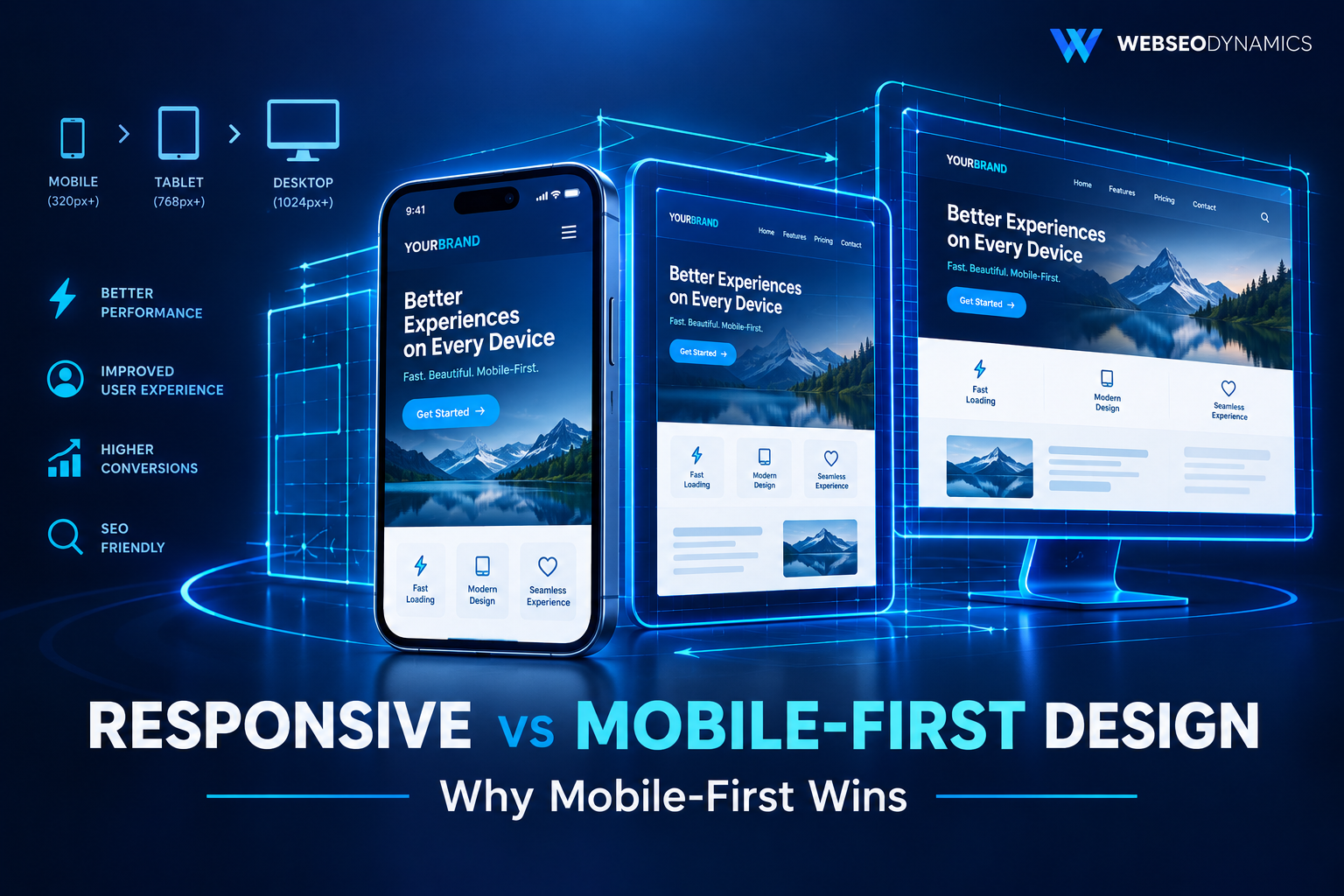
Responsive Web Design vs Mobile-First Design: Why Mobile-First Wins
"Responsive" and "mobile-first" get used almost interchangeably in project briefs, agency pitches, and even by developers who should know better. They're related, but they are not the same thing — and confusing them leads to a specific, common failure: a website that technically resizes across screen sizes but was clearly designed for desktop first, with the mobile experience bolted on afterward as an afterthought.
Understanding the actual difference matters because it changes how a site is planned, coded, and how well it performs — especially now that mobile traffic makes up the majority of visits for most businesses. This guide breaks down what each approach really means, why mobile-first has become the professional default, and how to implement it in practice.
1. What Is Responsive Web Design?
Responsive Web Design (RWD) is a design approach where a single layout adapts to fit whatever screen size it's viewed on, using flexible grids, flexible images, and CSS media queries. The term was coined by Ethan Marcotte in 2010, and it solved a real problem: before RWD, businesses often built entirely separate mobile sites (commonly served from an "m." subdomain) that had to be maintained in parallel with the desktop version — doubling the maintenance burden and frequently falling out of sync with each other.
The core mechanism of RWD is the media query — a CSS rule that applies styles conditionally based on characteristics of the viewport, most commonly its width:
.container {
  width: 100%;
}

@media (max-width: 768px) {
  .container {
    padding: 10px;
  }
}
Critically, RWD as a concept doesn't specify which screen size you design and code for first — it just requires that the layout responds to different viewport sizes. In practice, most early and even many current RWD implementations start from a desktop layout and use `max-width` media queries to simplify it down for smaller screens. That starting point is exactly where mobile-first design diverges.
2. What Is Mobile-First Design?
Mobile-first design, a term popularized by Luke Wroblewski around 2011, is a specific strategy within responsive design: you design and build the smallest, simplest version of the site first — for mobile screens — and then progressively enhance the layout and functionality as screen size and capability increase.
In CSS terms, this means writing your base styles (outside any media query) for the smallest screens, then using `min-width` media queries to add complexity for tablets, laptops, and large desktop monitors:
/* Base styles: mobile, no media query needed */
.container {
  padding: 10px;
  display: block;
}

/* Enhance for tablets and up */
@media (min-width: 768px) {
  .container {
    display: flex;
    padding: 20px;
  }
}

/* Enhance further for large desktops */
@media (min-width: 1200px) {
  .container {
    padding: 40px;
    max-width: 1140px;
    margin: 0 auto;
  }
}
Mobile-first is, technically speaking, a subset or specific discipline of responsive design — every mobile-first site is responsive, but not every responsive site is mobile-first. The distinction is about which direction you build in, and that direction has significant, measurable consequences.
3. The Key Difference: Starting Point, Not Just Flexibility
Traditional (Desktop-First) RWD
- Designed and coded for large screens first
- Uses
max-widthmedia queries to simplify downward - Mobile styles often override or hide desktop elements
- Mobile users still download unnecessary desktop CSS/assets unless carefully optimized
Mobile-First Design
- Designed and coded for small screens first
- Uses
min-widthmedia queries to add complexity upward - Forces prioritization of core content and functionality
- Base CSS is naturally leaner since mobile styles are the default, not an override
The practical effect of this difference shows up in the CSS itself. Desktop-first CSS tends to accumulate overrides — hiding a sidebar, collapsing a navigation menu, shrinking font sizes — all inside `max-width` queries stacked on top of already-complex base styles. Mobile-first CSS instead starts minimal and only adds complexity when there's actually room for it, which tends to produce smaller, more predictable stylesheets.
4. Why Mobile-First Wins
Mobile Traffic Is the Majority, Not the Exception
For most businesses today, mobile devices account for well over half of site visits. Designing for the minority use case (desktop) first and adapting downward means optimizing your primary design effort for a shrinking share of your actual audience.
Google Uses Mobile-First Indexing
Google predominantly uses the mobile version of a site's content for indexing and ranking, not the desktop version. If your mobile experience is a stripped-down afterthought — missing content, hidden behind extra clicks, or slower to load — that's the version Google is actually evaluating for search visibility.
Performance by Default, Not by Retrofit
Mobile devices, especially on slower networks, are far more sensitive to page weight and rendering complexity than desktops. Building mobile-first means the "default" experience is the lightweight one, and heavier assets or layout complexity are only added for screens and connections that can handle them — rather than shipping the full desktop payload to every device and hoping it performs acceptably.
It Forces Better Design Discipline
A small screen has no room for clutter. Designing mobile-first forces genuinely hard decisions early: which content is essential, which navigation items actually matter, what the core user action on this page really is. Those decisions tend to improve the desktop experience too, rather than the reverse — desktop-first designs often carry over unnecessary complexity that never gets properly reconsidered.
Leaner, More Maintainable CSS
Because mobile-first CSS builds up rather than strips down, there's generally less override logic fighting itself. Fewer `!important` declarations, fewer competing rules trying to undo a desktop assumption for a small screen, and an easier mental model for anyone maintaining the codebase later.
5. Implementing Mobile-First in CSS
Putting mobile-first into practice comes down to a few consistent habits:
- Write unqualified CSS as your mobile baseline. Any style not wrapped in a media query is the style every device gets by default — make sure that default is the mobile-appropriate one.
- Use `min-width` media queries exclusively, where possible. Each breakpoint adds capability rather than removing it, which keeps the logical flow of your stylesheet easy to follow top to bottom.
- Base breakpoints on your content, not device names. Rather than targeting "iPhone" or "iPad" widths specifically, resize the browser until your own layout starts to look cramped or awkward, and set the breakpoint there.
- Design touch targets first. Buttons and links sized comfortably for a finger (generally at least 44x44px) work fine with a mouse cursor too, but the reverse isn't true — small desktop-oriented click targets are often frustrating on touchscreens.
- Load conditionally, not just style conditionally. Mobile-first isn't only a CSS concern — lazy-load below-the-fold images, and avoid shipping large desktop-only assets (like a hero video) to mobile users who will never see them rendered at full size.
/* Mobile-first navigation: stacked by default */
.nav-list {
  display: flex;
  flex-direction: column;
  gap: 12px;
}

/* Enhance to a horizontal nav bar on larger screens */
@media (min-width: 768px) {
  .nav-list {
    flex-direction: row;
    justify-content: space-between;
  }
}
6. Mobile-First Forces Content Prioritization
One of the most underrated benefits of mobile-first design has nothing to do with CSS at all — it's about content strategy. When a page has to work within roughly 375 pixels of width before it's allowed to work within 1400, teams are forced to answer a question they often skip in desktop-first workflows: what does this page actually need to say, in what order, to accomplish its goal?
Desktop layouts have enough visual real estate to hide weak content prioritization behind sidebars, multi-column layouts, and generous whitespace. Mobile has none of that forgiveness. A homepage hero section that rambles for three paragraphs before getting to the point works, sort of, on desktop — on mobile, it's the entire visible screen before a user scrolls, and it will get skipped or bounced from. Mobile-first design surfaces and fixes these problems at the design stage, rather than after launch when analytics reveal a high mobile bounce rate.
7. When Desktop-First Still Makes Sense
Mobile-first is the right default for the overwhelming majority of consumer-facing websites, but it isn't a universal law. A handful of legitimate exceptions exist:
- B2B or internal tools with confirmed desktop-only usage: Some internal dashboards, admin panels, or specialized professional software (video editing suites, CAD tools) are used almost exclusively on desktop by design, and mobile support may genuinely not be worth the investment.
- Data-dense applications: Complex spreadsheet-like interfaces or multi-panel dashboards sometimes need to be designed around desktop's larger canvas first, with a deliberately separate, simplified mobile view rather than one layout progressively enhanced from the same base.
- Verified analytics showing overwhelming desktop usage: If your actual traffic data for a specific product shows the vast majority of engaged, converting users are on desktop, that's a legitimate reason to weight design effort accordingly — though it's worth confirming this isn't simply because a poor mobile experience is suppressing mobile conversions in the first place.
8. Common Pitfalls
- Calling a site "responsive" when it's really desktop-first with patches: Technically resizing isn't the same as being designed with mobile as a first-class experience.
- Hiding, rather than restructuring, content on mobile: Using `display: none` to hide entire sections on small screens often means that content is still downloaded, just not shown — a wasted performance cost. It can also signal to search engines that the content isn't important, potentially affecting mobile-first indexing.
- Forgetting the viewport meta tag: Without `<meta name="viewport" content="width=device-width, initial-scale=1.0">`, mobile browsers render the page at a desktop width and scale it down, undermining any mobile-first CSS entirely.
- Treating breakpoints as fixed device widths: Device screen sizes change constantly; designing around your own content's natural break points ages better than chasing specific phone or tablet dimensions.
- Testing only in a resized desktop browser window: Actual mobile devices differ from a resized desktop browser in touch behavior, network conditions, and rendering quirks — real device testing (or at minimum, browser dev tools' device emulation with throttled network) catches issues a simple resize won't.
Frequently Asked Questions
Is mobile-first design more expensive or time-consuming to build?
Not inherently — it shifts effort earlier in the process (more upfront content and design decisions) rather than adding extra total work. Teams unfamiliar with the approach sometimes find the first project takes some adjustment, but subsequent projects tend to move faster because the discipline of prioritizing content becomes a habit.
Does mobile-first mean the desktop version has to look plain or basic?
No. Mobile-first only dictates the starting point and direction of enhancement — the desktop version can still be rich, multi-column, and visually elaborate. It just means that complexity is added deliberately for larger screens, rather than assumed as the default and stripped away for smaller ones.
Can an existing desktop-first site be converted to mobile-first without a full rebuild?
Partially, but a genuinely thorough conversion usually means restructuring the CSS to use `min-width` queries and reworking the base styles — which in practice often overlaps significantly with a broader redesign, since content prioritization decisions are hard to retrofit onto an existing desktop-oriented structure.
Does mobile-first design directly improve SEO rankings?
Indirectly, but meaningfully. Since Google evaluates the mobile version of your site for indexing, and mobile-first sites tend to load faster and score better on Core Web Vitals, the practical effect is usually a stronger technical SEO foundation — even though "mobile-first design" itself isn't a named ranking factor.
Conclusion
Responsive design solved the problem of maintaining separate mobile and desktop sites. Mobile-first design solves a deeper problem: making sure the majority of your actual visitors — on mobile devices, often on slower connections — get the best version of your site, rather than a scaled-down compromise of one built for someone else's screen. For nearly every modern, consumer-facing website, starting small and building up isn't just a technical preference; it's the approach that best matches how people actually use the web today.
Ready for a Website That Actually Performs on Mobile?
At Webseodynamics, we build every site mobile-first from day one — fast, accessible, and designed around how your customers actually browse, not just how it looks on a designer's desktop monitor.
Get a Free Consultation Today